 Download
Wi-Fi Networksr
1.4 May 19, 2026- 7.1
- 1
- 2
- 3
- 4
- 5


ROCCAT™ Power-Grid™ is a free, fully-customizable remote control for your PC.
ROCCAT™ Power-Grid™ is a free, fully-customizable remote control for your PC. Get the most out of your smartphone as you use your PC instead of letting it lie unused on your desk. Control your computer, games and applications, keep an eye on your feeds, monitor your computer's performance and more - without having to leave the action. Create your own Grids for your favorite games and applications.
-----------------------------------
PLEASE NOTE:
YOU NEED TO DOWNLOAD + INSTALL THE ROCCAT™ Power-Grid™ HOST SOFTWARE ON YOUR PC TO ESTABLISH A CONNECTION WITH THE APP.
-----------------------------------
After installing the accompanying PC software, the app relays a host of convenient, time-saving information and functions in the form of configurable “Grids”, which the user can then interact with right from their smartphone.
Power-Grid™ COMES PRE-LOADED WITH THE FOLLOWING GRIDS:
1. Incoming Center – keep track of Facebook, Twitter, Skype, TeamSpeak & RSS feeds in this communications HQ.
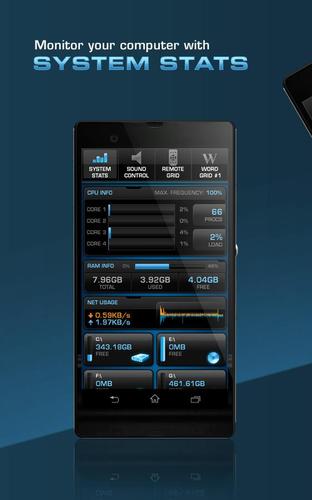
2. System Stats – monitor your vital system information, such as CPU load, memory & hard drive usage and more.
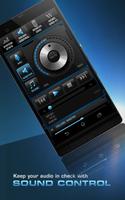
3. Sound Control – operate Windows Media Player and iTunes, as well as your system audio settings. Adjust the master volume, or the volume of each application individually.
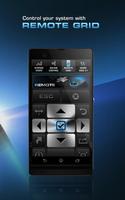
4. Two Custom Tabs – Power-Grid™ not only connects your smartphone to your PC, it also features a powerful editor that lets you build your own Grids & Controls to load into your tab bar – for the ultimate in customization.
In addition to the above four Grids, Power-Grid™ also features game-specific Grids for gaming enthusiasts that can be found on our website.
-----------------------------------
Power-Grid™ FUNCTIONS:
-----------------------------------
PRESET/CUSTOM GRIDS & CONTROLS
- Create your own Grids, with your own graphics, backgrounds & colors
- More than 100 preset buttons & controls; drag & drop function
- More than 1800 icons included – for countless individual designs
- Button customization: add texts, backgrounds, icons, effects & sounds
- Open function: open applications, documents, folders & websites
- Shortcut function: add individual shortcuts to your buttons
- Macro manager: assign complex macro sequences; up to 512 commands
NOTIFICATIONS
- Social feeds for Facebook, Twitter, Skype, e-mail, TeamSpeak & RSS
SOUND/MEDIA
- Media player control: play, stop, pause, artist, title & album display
- Mute function: separately mute your master, mic & music volume
- Volume control for each individual application
SYSTEM
- CPU: show CPU info & usage
- Drives: show drive capacity, open drives
- show network usage
- Power functions: system lock, log off, shut down, sleep
- RAM: show RAM info & usage
TIME
- Analogue clock in 4 sizes
- ROCC’ clock: digital clock with day & date
- Big stopwatch & timer
- Custom timer buttons: create your own timer buttons or choose one of our presets
EXCHANGE
- Import and export Grids/Controls; share with your friends
-----------------------------------
Power-Grid INSTALLATION:
-----------------------------------
Five fast and easy steps to create your PC control center:
1) Go to www.Power-Grid.roccat.org, create an account and download the pc host software. Users who already have a ROCCAT World account can download the software straight away.
2) Install the host software on your PC.
3) Go to the Play-Store on your phone and download the app.
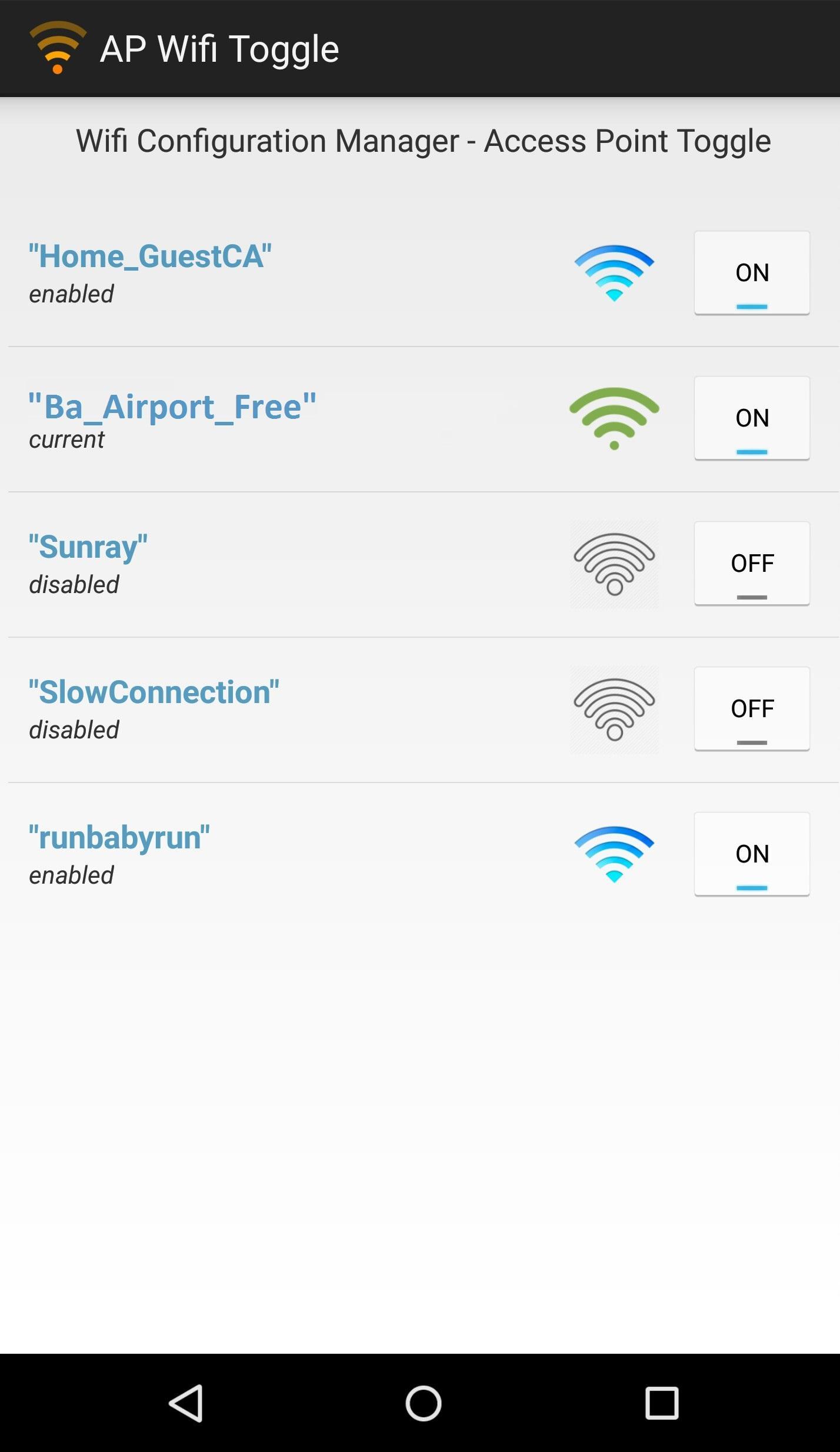
4) Ensure PC and phone are connected to the same WiFi network.
5) Log-in to your host software on the PC and start the app on your phone, then follow the on-screen instructions and voilà, you are good to go.
Please note that Power-Grid™ is currently compatible with Windows 7 and Windows 8. Find out more about Power-Grid™ here: www.Power-Grid.roccat.org







 Action-adventure
 Simulation Business
 Role Playing
 Sports Competition
 Casual Intelligence
 Card Strategy
 Music Rhythm
 Text Puzzle
 Flying Shooting
 Love Development
 Business Office
 Newsletter Social
 Life Entertainment
 Online Shopping
 Practical Tools
 Travel
 Financial Management
 Educational Learning
 Information Reading
 Sports and Health